
How Automation in the Workplace Turns Friction into a Smarter Workday
Automation in the workplace is the use of technology to connect people, processes, digital tools and physical spaces, not just the back-office tasks office automation typically covers.
That connection matters more than most organizations realize: in Gensler's 2025 Global Workplace Survey of over 16,800 office workers across 15 countries, only 38% strongly agreed their workplace provides a great experience.
A modern workday is made up of dozens of small interactions across digital tools and physical spaces. When those experiences aren't connected, employees feel the friction. It’s another app to open, another system to check, another step standing between them and the work they actually came to do.
Automation in the workplace can help connect those experiences, making the workday easier to navigate by reducing the friction between employees, technology, information and the places where work happens.
5 Key Takeaways
- Connect digital workflows with the employee's broader workplace experience.
- Make hybrid work easier to plan and navigate.
- Use workplace data to trigger useful actions.
- Use AI and machine learning to move from reactive to predictive.
- Design automation around employees, not automation features.

What Is Automation in the Workplace?
Office automation and workplace automation get used interchangeably, but they're not the same thing.
- Office automation stays focused on administrative processes: approvals, records, data entry.
- Workplace automation extends that same logic to the physical and digital environment employees move through all day, booking a desk, finding an open meeting room, checking in a visitor, getting routed to the right colleague.
Remember, automation isn't confined to the back office anymore. It can touch virtually every aspect of the employee experience.
That's an important distinction for organizations developing a broader digital transformation strategy. The goal is to understand where technology can remove friction from the way work gets done–not just automate tasks.
What We Need to Make Hybrid Work Easier to Navigate
Hybrid work introduced a deceptively simple question: Is going into the office worth it today?
For many employees, the answer depends on information:
- Who's going to be there?
- Where can I sit?
- Can I find a desk near my team?
- Is there an appropriate room for my video call?
- Will the technology work when I arrive?
If answering those questions requires several apps, chat messages and manual coordination, friction starts before the commute.
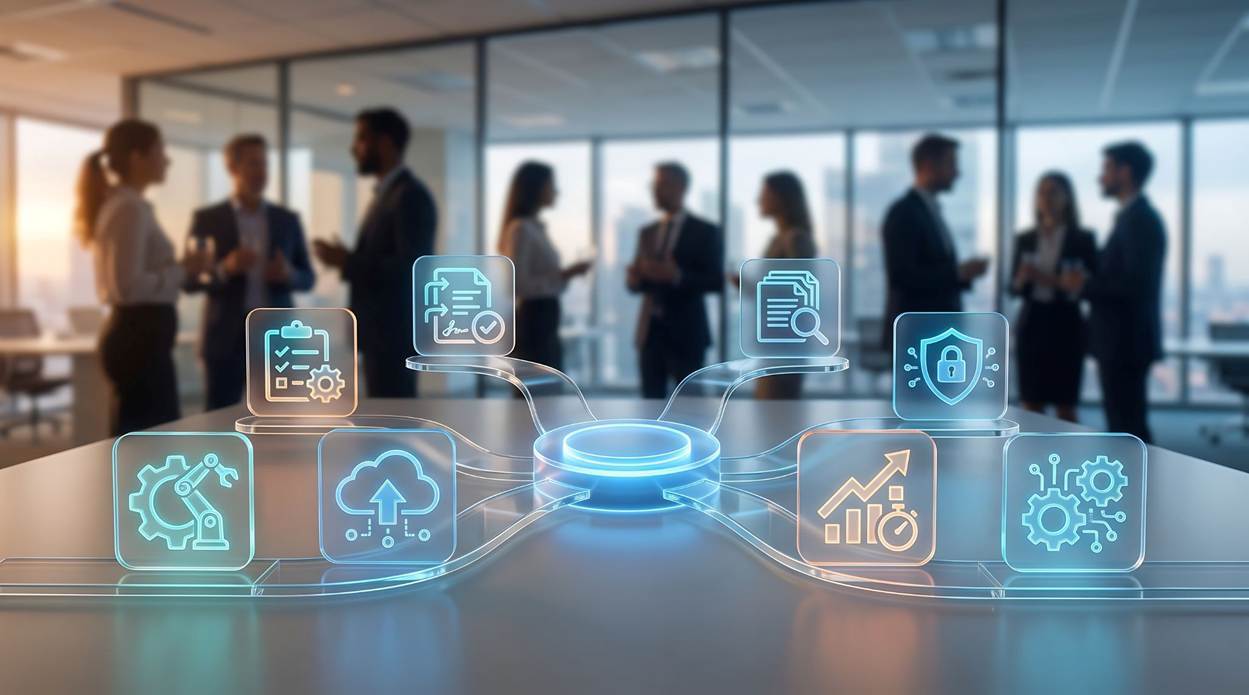
Automated workplace experiences can connect calendars, scheduling, workplace information and other systems so employees don't have to piece everything together themselves. With more of that coordination happening in the background, employees can spend less time switching between tools or tracking down information and more time focused on their work, supporting stronger employee productivity and a smoother overall experience.
How Does Workplace Data Turn into Automated Action?
Automation also changes what organizations can do with workplace data.
Take a meeting room. A calendar may show that it's reserved from 10:00 to 11:00am, but that doesn't tell you whether anyone actually showed up. When automated systems have access to real-time workplace information, that data can do more than document what happened; it can help determine what happens next.
If a booked room remains empty, an automated workflow could release it for someone else. If demand consistently exceeds capacity in one area, the system can surface that pattern. Digital signage automation can keep workplace information current without requiring someone to manually update every display.
The same thinking applies beyond the physical workplace:
- Human resources can automate holiday requests and staff training requests
- Sales teams can use customer relationship management workflows to reduce administrative work, while marketing automation can help coordinate marketing campaigns.
- Customer service automation and chatbots can handle routine questions, leaving employees more time for customer needs that require judgment and a personal touch.
The applications may look different across the business, but the opportunity is the same: use automation to turn information into action, reduce unnecessary manual intervention and keep work moving.
Using AI & Machine Learning to Make Automation Predictive
Traditional automation responds to a trigger: something happens, and the system follows a predefined rule.
Artificial intelligence and machine learning add another layer. By recognizing patterns and using context, intelligent systems can surface recommendations and help anticipate what employees or the business may need next.
That could mean AI-powered tools capturing meetings and identifying follow-up actions, workplace systems recognizing patterns in how resources are used, or customer relationship management systems helping teams better understand and track customer behavior.
While the automation technologies and applications vary, they're moving from simply reacting to an event toward using context to inform what happens next. This allows organizations to go beyond automating repetitive tasks and create experiences that adapt more intelligently to changing needs and conditions.
Why More Automation Tools (By Themselves) Won’t Fix a Disconnected Workplace
Employees can have access to collaboration platforms, workplace management systems, digital signage, customer relationship management, inventory management and other automation software… and still spend their day jumping between systems.
That's why integrating automation matters. Instead of asking whether each individual system has the right features, look at the employee's journey through them:
- Where are employees forced to switch applications to complete a simple action?
- Where does information need to be entered twice?
- Where do human delays stall otherwise straightforward processes?
- Where are manual tasks bridging two systems that should already communicate?
- Where are employees receiving duplicate or conflicting information?
Those are signs that automation has been implemented around systems rather than around work. A better approach connects automated processes where it reduces friction for the people using them.
James McMahon, Capgemini's Global Head of Employee Experience, puts it plainly: the goal is “creating a connected ecosystem where humans, AI agents, data, and workflows operate in coordinated harmony rather than isolated automations.”
Automation Only Works If Employees Trust It
As artificial intelligence and automated systems become more embedded in everyday work, employees need to understand how the technology supports them and where it fits into their roles.
That may mean learning new skills, adapting to new workflows or approaching familiar processes differently. Change management and training are critical to making that transition successful. If employees don't understand or trust the technology, automation can create more friction than it removes.
But greater automation doesn't make the human role less important. Technology can organize information, capture meeting notes and handle routine coordination, but critical thinking, judgment, collaboration and creative problem-solving still depend on people.
Done well, workplace automation takes more of the administrative burden off employees, giving skilled workers more time and attention for the work where their expertise matters most.
Ditch Vanity Metrics: Measure Workplace Automation by What Employees Gain
It's easy to measure automation by how much you're doing: the number of automated workflows created, tasks automated or tools deployed. Right?
But those metrics don't necessarily tell you whether work is actually getting better.
A more meaningful approach starts with the outcome.
- If the goal is higher productivity, look at whether automation is reducing the time-consuming tasks and friction slowing employees down.
- If it's fewer errors, measure where automated workflows reduce human error.
- For hybrid work, consider whether employees can more easily find the people, information and resources they need.
The same applies to broader business goals. Cost savings should come from greater efficiency, not simply adding new technology. A better customer experience should mean employees have more time to serve existing customers and focus on situations that require human judgment.
When automation is measured against outcomes like these, it elevates from a collection of features into part of a meaningful digital transformation strategy.

Build a Workday That Leads to a Smarter Workplace
The real opportunity with automation in the workplace is making the workday easier to navigate. Employees spend less time searching for information, coordinating routine activities or bridging gaps between systems. And they have more time focused on their work.
As automated workflows connect with workplace data, physical spaces, collaboration tools and building technology, that opportunity gets bigger. Automation becomes part of a broader smart workplace ecosystem that responds more intelligently to how people work.
Workplace automation simplifies the workday. A smart workplace makes the environment around it more intelligent.
Make Automation Work Better for Your People
Effective automation in the workplace should make the workday easier, rather than giving employees more technology to manage. Diversified can help you connect workplace technologies around the people and business outcomes that matter most.
Talk to a Diversified team member about which part of the workday, room booking, visitor check-in, or meeting technology, is creating the most friction for your employees right now.
Looking for more? Explore how office automation can eliminate repetitive work, or see how a smart workplace brings automation, data and physical spaces together.
